Belposhta
Cash and bank cards at the branches of RUE "Belpochta".
SSIS (ERIP), Belposhta branches and online services.
Need help?
The dispatcher will advise on payment and contract.
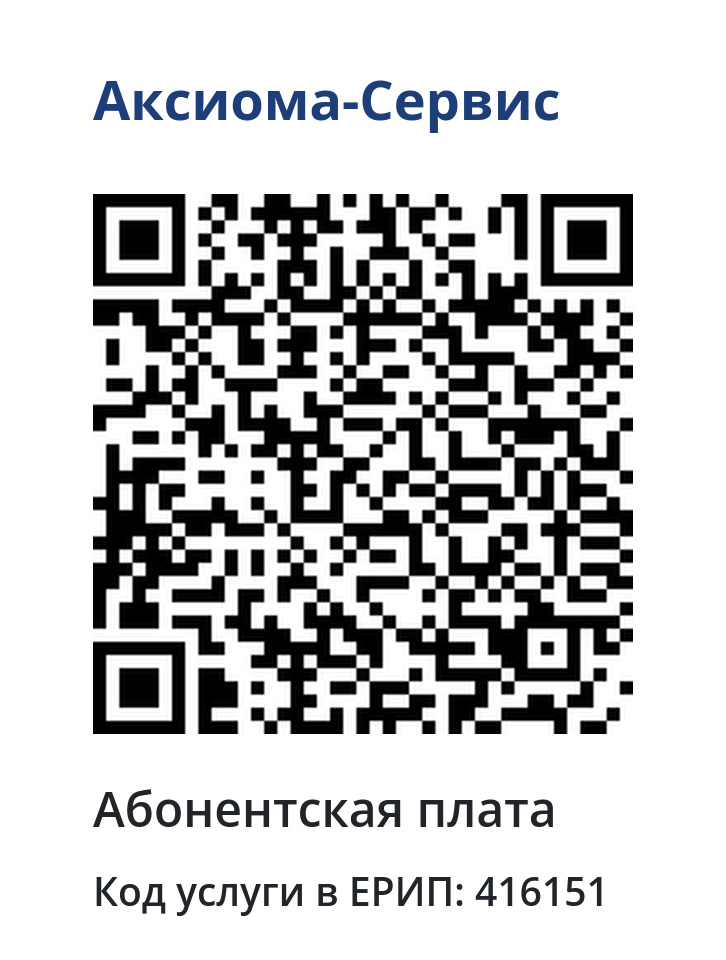
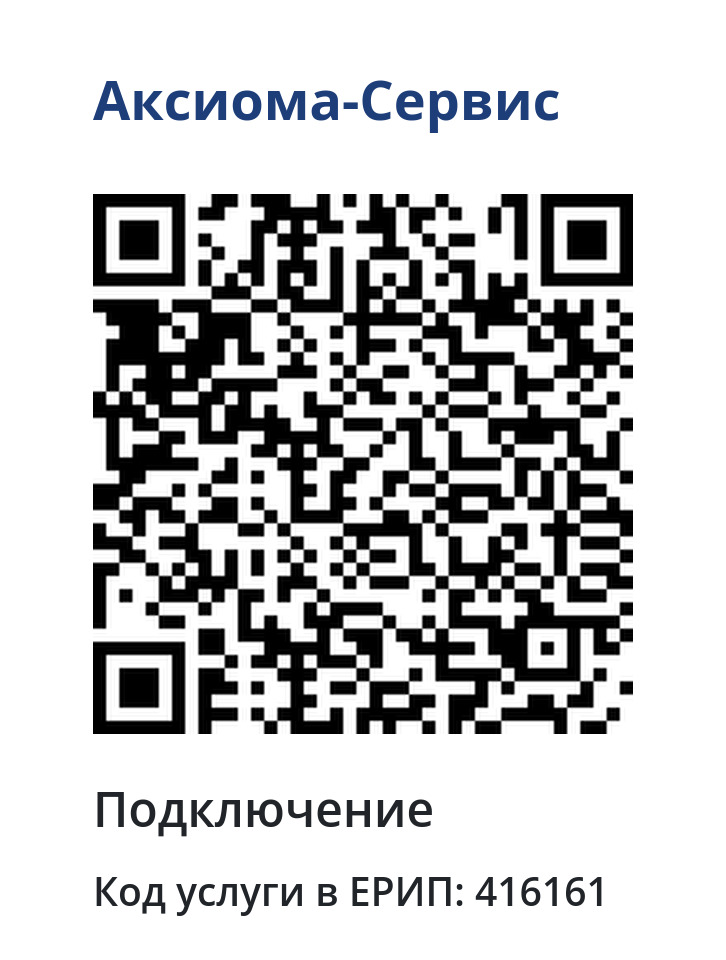
Scan the code in a mobile bank or application that supports SSIS (ERIP) - the service will be applied automatically.
Choose a convenient channel - for SSIS (ERIP) below are step-by-step instructions.
Cash and bank cards at the branches of RUE "Belpochta".
ATMs, information kiosks, online banks, bank tellers, mobile banking.
Instructions ↓Payment systems that have implemented the “Settlement” system (WEBPAY).
Electronic money and online wallets.
Two ways to find a service in the Calculation system.
Cable TV is available in 17 settlements. Smart TV is available outside the cable network — anywhere with internet.